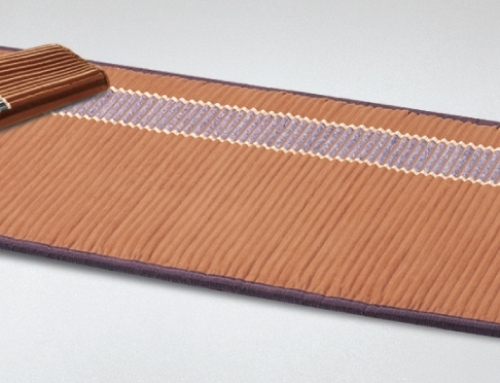
This blog post discusses the BioMat’s temperature settings and time usage for the professional-size BioMat.
First of all, the pro bio-mat features eight different temperature settings. (This is in contrast to only seven settings on the Mini BioMat.) In a recent previous blog post, we highlighted several considerations with the pro controller. We have a few additional things to share…
- When you activate the controller by turning on the rocker switch and the button on the controller face, you will see some blue lights “dancing” at the bottom of the control panel. This means negative ions are being emitted into the BioMat; that’s a power move for your health! 🙂 (And please note: the NASA-created controllers generate electrical functions; what you can’t see with the controller’s display is the far infrared emissions from the amethyst and negative ions from the tourmaline. Nevertheless, you are still getting those positive benefits.
- We take a conservative approach, especially with beginning BioMat users; use it for shorter durations (20-30 minutes) and lower temperatures in the beginning. This way, you will not detox too quickly. And you can always build time and temp.
- Also, many energy healers and healthcare professionals prefer using low to medium temps, finding them more comforting and calming. These lower temperatures do a couple things: 1) trigger the parasympathetic response, and 2) relax the patient or client. If you are a professional, you will likely find recipients LOVE their BioMat treatment! 🙂
- Once you have built time and temperature, high-temp thermotherapy sessions are also popular. A session in the temperature range of 122° to 158° F. is considered high-temperature; the recommended maximum amount of time is 60 minutes (and much less if these settings are too hot for you/your body). Be sure to use the Germanium Power Pad so you avoid sweating profusely on your actual BioMat and/or cotton cover.
Here’s to happy Richway BioMat usage…