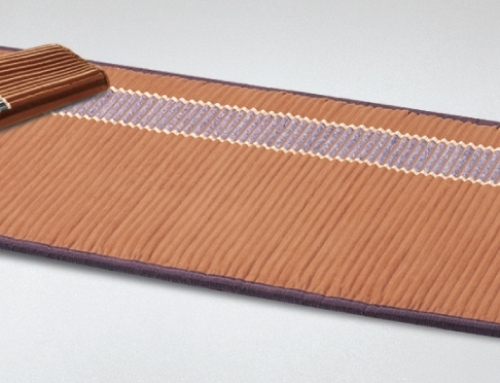
In our Frequently Asked Questions (FAQ) tab, we highlight several basics for troubleshooting your BioMat. We will use a question and answer (Q & A) format for this blog post so you can hopefully get your needs met without contacting your BioMat distributor (sponsor).
Question 1. My BioMat does not seem to be heating properly.
Answer 1. First, unplug the black cord from the wall outlet. Wait two minutes and try again. If this doesn’t work, you may want to also try a completely different outlet.
If it still does not work, remove the tan cord from your BioMat. Again, wait two minutes and reconnect the tan plug into the BioMat’s access plug-in point. Make sure this connection is aligned perfectly and completely flush; there should NOT be any space between.
Question 2. My BioMat controller is displaying unusual lights, alarms and/or the alarm light is flashing.
Answer 2. Follow the same protocol as Question #1.
If your BioMat continues to malfunction or you have other questions/issues, contact Richway International directly for assistance. This is the BioMat’s parent company located in Honolulu, Hawaii. You can do this by e-mailing them at Click to send an email. (Notice the e-mail address is .co, not .com.) Be sure to include an itemized detail of what exactly is happening / what the problem is. Also, include your RI number (given to you at the time you purchased) plus the serial number that is located on the back side of your bio-mat controller.
Please note: RMA in the e-mail address in the previous paragraph stands for Return Merchandise Authorization. This department of Richway International will find you in their system and begin e-mailing you back and forth troubleshooting your specific problem or situation. For the fastest resolution, plan to get back to Richway with all details they request. Once Richway has assessed your problem, they will also let you know specific instructions about returning all or partial BioMat components, including shipping instructions and payment.